

Visual, Code & AI-powered Editor
Build and ship experiments faster with a flexible editor that works for marketers, product teams, and developers.
Visual Editing
Change text, spacing, colors, and layout directly on the page without touching source code.
For example: Edit a seasonal offering to update images, text, and colors to match. All without a single line of code.


Drag horizontally to compare.
Used in this example: Image replace Text replace URL link replace
Insert HTML
So you already have a self contained component that you want to drop in to your page? Simply paste the HTML and we'll take care of the rest. This is great for adding new sections or small UX-bits like trust validators.
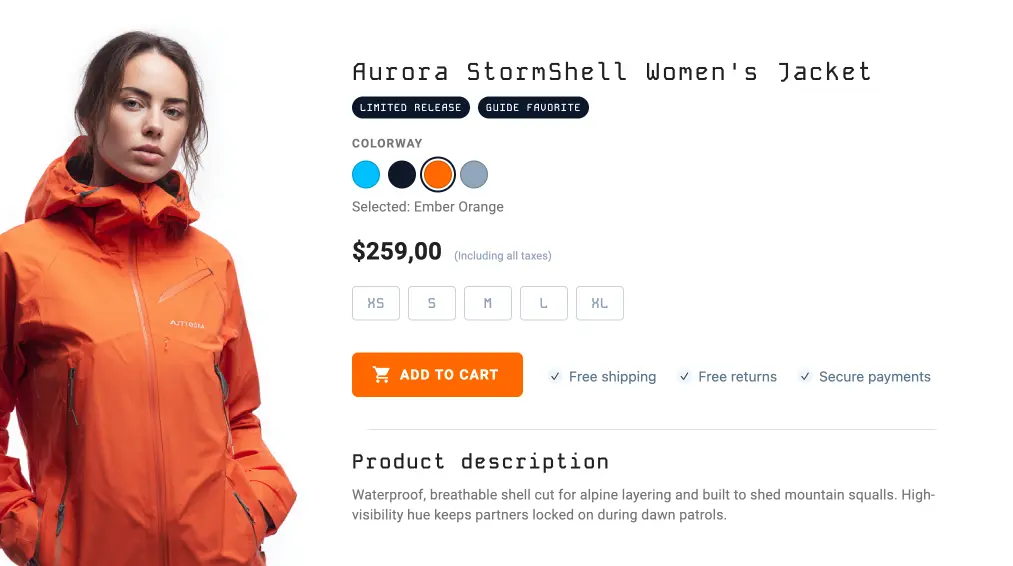
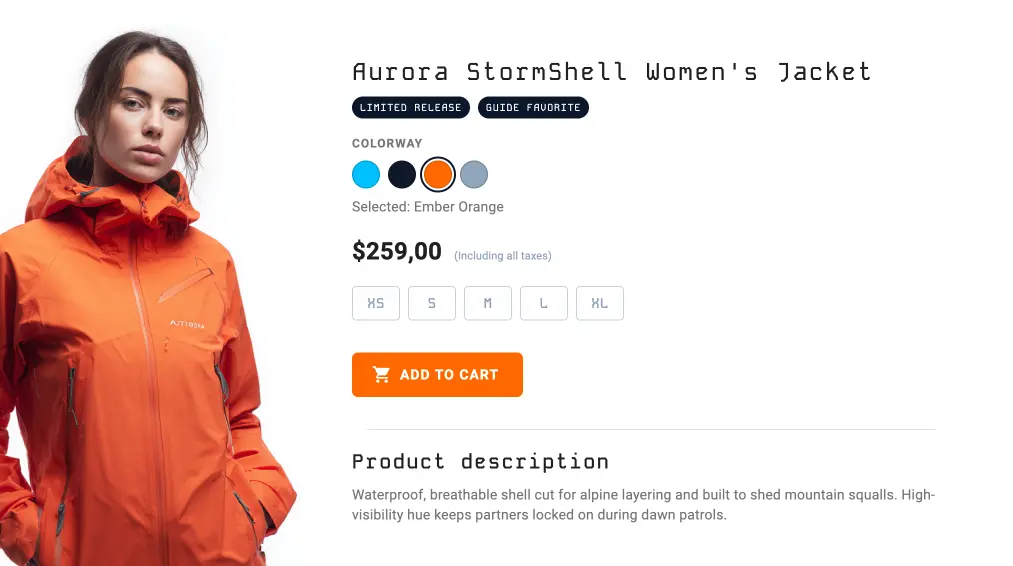
Drag horizontally to compare.
Used in this example: Insert HTML
Move Elements
Sometimes you just want to move things around. With our editor you can move elements to new positions on the page with just a few clicks. This is perfect for testing new layouts or optimizing for mobile.
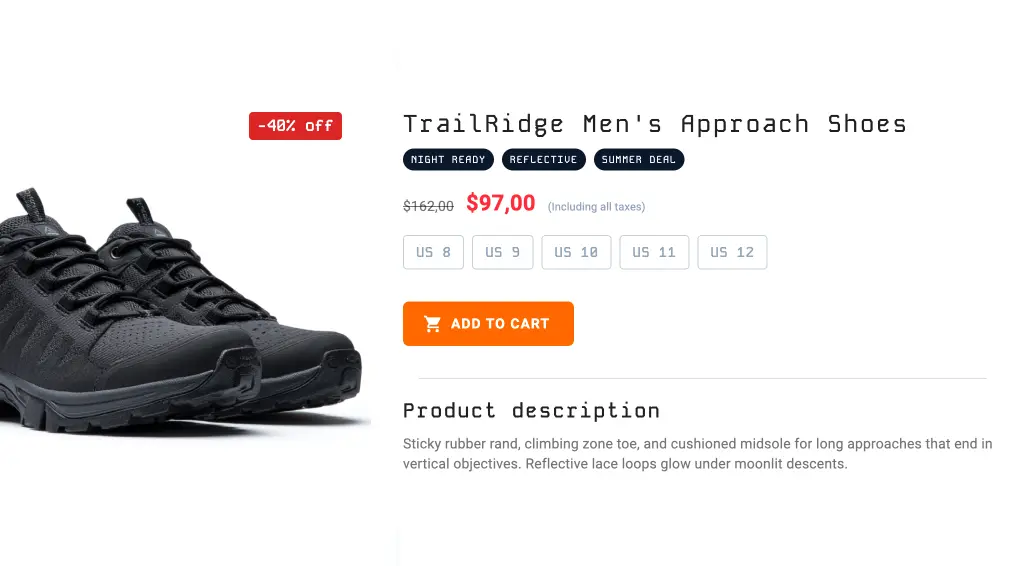
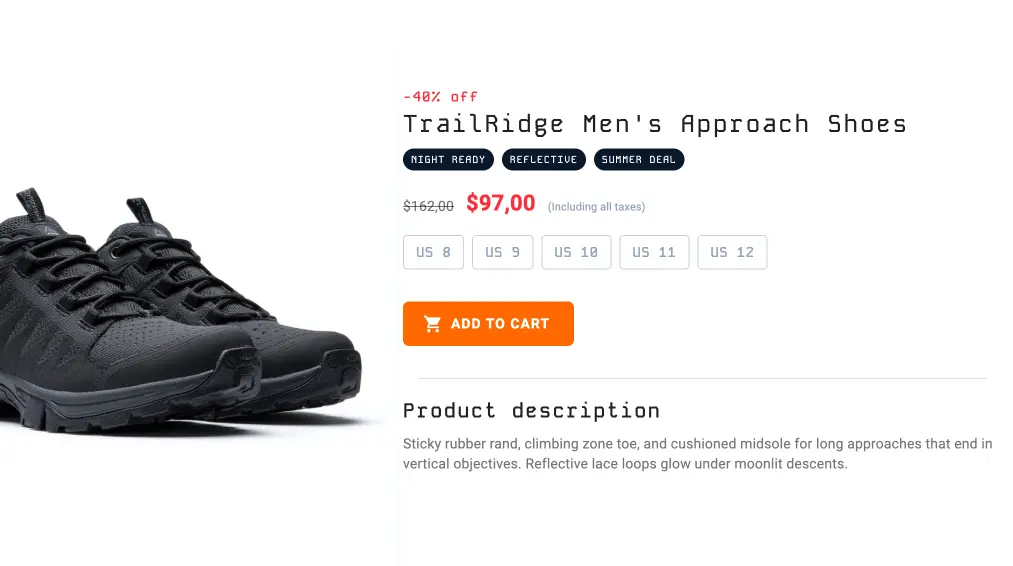
Drag horizontally to compare.
Used in this example: Move Element AI promted element change
Generate Content
Make really fast and simple edits to product descriptions, ad copy, or any other text on the page with our AI content generation feature. Simply select the text you want to change, choose an AI prompt, and let our editor generate new content for you. This is perfect for quickly creating variations of your copy to test what resonates best with your audience.

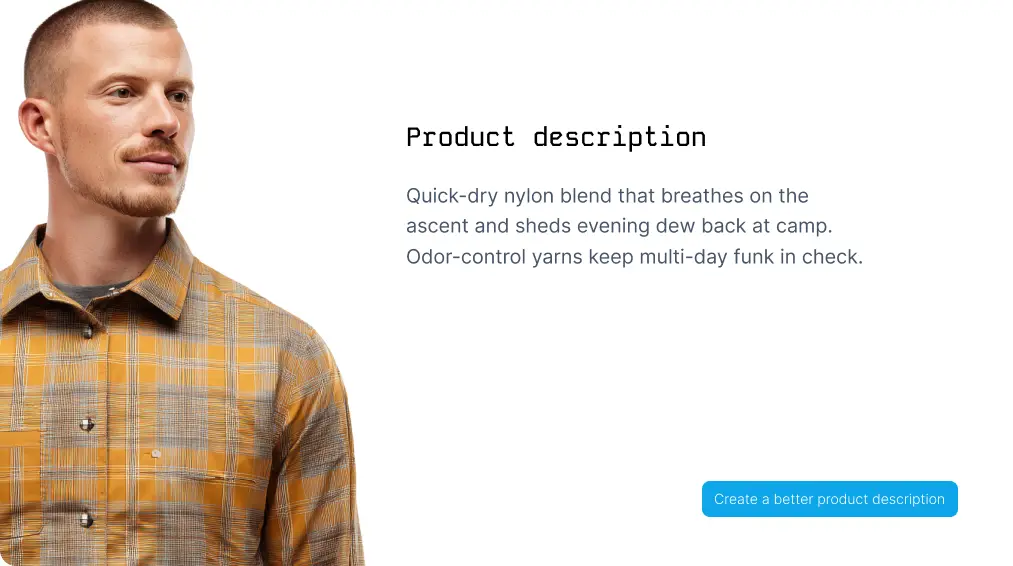
Drag horizontally to compare.
Used in this example: AI prompt
Custom CSS & JavaScript
For more advanced use cases, you can add custom CSS and JavaScript to your experiments at either the element or global level. This gives you the flexibility to make more complex changes to your page’s design and behavior, such as showing or hiding elements based on user actions, dynamically updating button styles or copy, changing form behavior, or applying experiment-wide styling and scripts.


Drag horizontally to compare.
Used in this example: Custom CSS Custom JavaScript Insert HTML
Change any property
With our editor you can change pretty much any property of any element on the page. Want to test a new button color? Or maybe you want to hide an element on mobile? No problem, just select the element, find the property you want to change and make your edit.
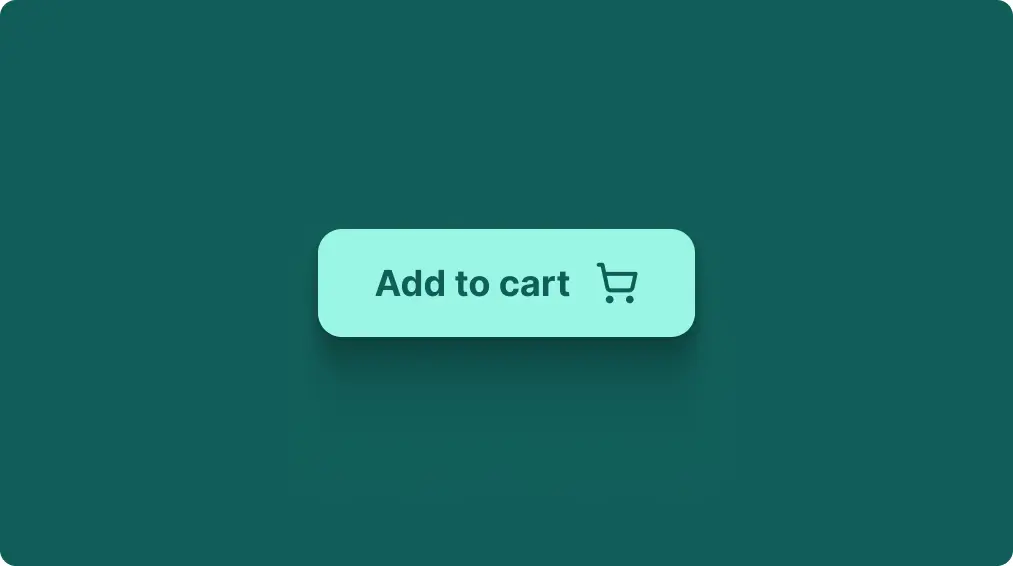
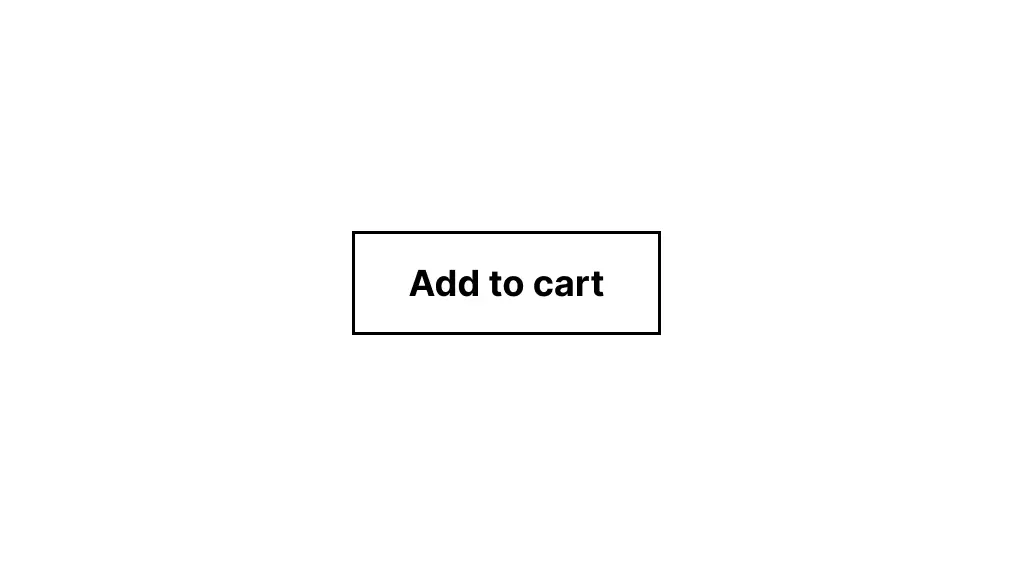
Drag horizontally to compare.
Used in this example: Background color Border radius & color Text color Padding Custom CSS Insert HTML