Powerful A/B Testing Built for Real-World Optimization

Our experimentation platform gives you everything you need to test, personalize, and optimize your digital experience with confidence. From visual editing to advanced analytics.

Experiment Types Experiment Types

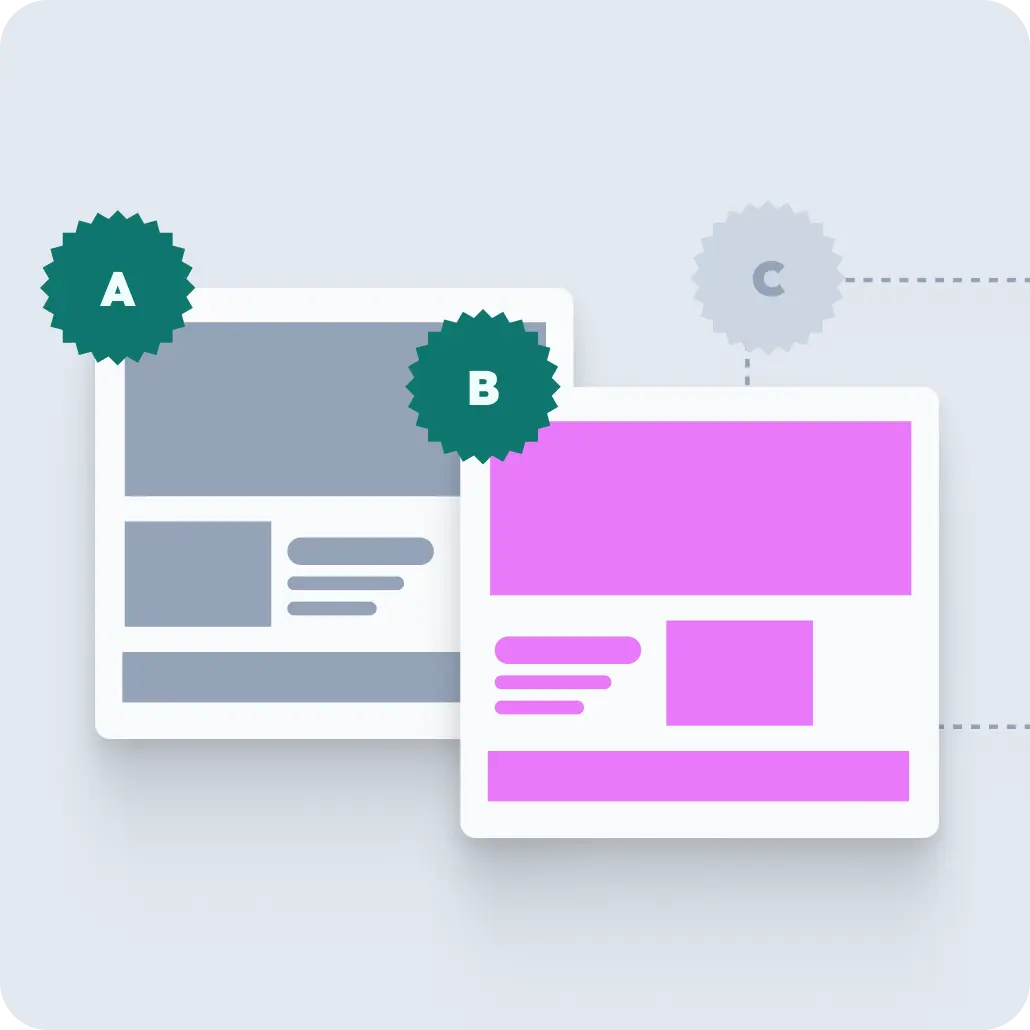
Run the right experiment for every use case

A/B Testing

Compare two or more variations against an original and evaluate conversions, estimated uplift, and the probability of beating the baseline.

Split Testing

Test completely different page versions or URLs to validate major layout or funnel changes.

Personalization

Deliver tailored experiences to specific audiences based on behavior, context, or attributes.
Experiment Types

Visual, Code & AI-powered Editor Visual, Code & AI-powered Editor

Full control, visual when you want it, technical when you need it

Edit content

Visual editor

Edit anything, directly on your page

Edit text, colors, images, margins, padding, borders, and more directly on the page

Add content

Adding content

Add new content where you need it

Add custom HTML to introduce new components or content blocks

Move content

Layout editor

Rearrange your page with ease

Move elements to restructure layouts without touching source code

Edit content with AI

AI assistant

Describe the change and let AI make it

Describe your changes in plain language using our AI assistant and let it generate the edits for you

Add custom CSS

Custom CSS

Fine-tune every visual detail

Apply custom CSS for precise styling control

Add custom JavaScript

Custom JavaScript

Add behavior beyond visual edits

Execute custom JavaScript for advanced logic and interactions

Build responsive layouts

Responsive editing

Tailor the experience to every device

Apply device-specific changes to optimize desktop, tablet, and mobile experiences independently

View more examples

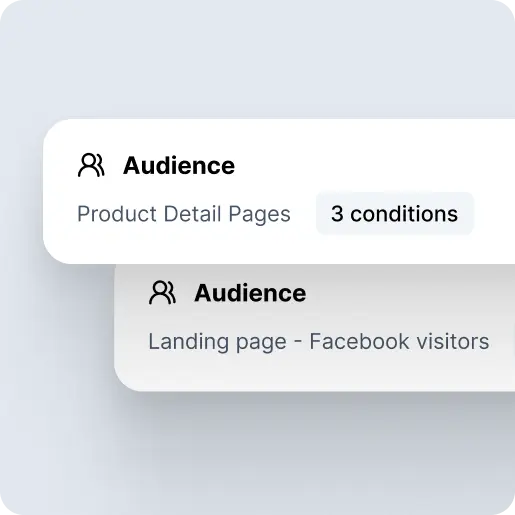
Audience Targeting Audience Targeting

Reach the right users at the right time

Target experiments and personalized experiences using powerful conditions such as:

  • URL
  • HTML element
  • Device type
  • Clicked element
  • Data layer event
  • Visitor type
  • Traffic source
  • Browser Cookie

Combine conditions to create precise, high-impact audience segments.

Audience Targeting

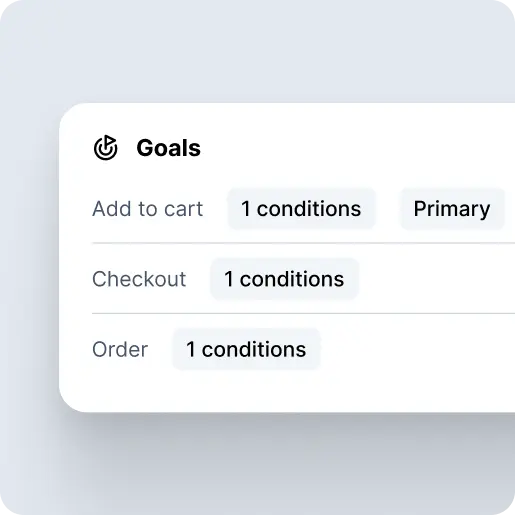
Goal Tracking Goal Tracking

Set the goals that define success

Define conversion goals using the same flexible targeting system as audiences:

  • URL
  • HTML element
  • Device type
  • Clicked element
  • Data layer event
  • Visitor type
  • Traffic source
  • Browser Cookie

This ensures your success metrics align exactly with real user behavior.

Goal Tracking

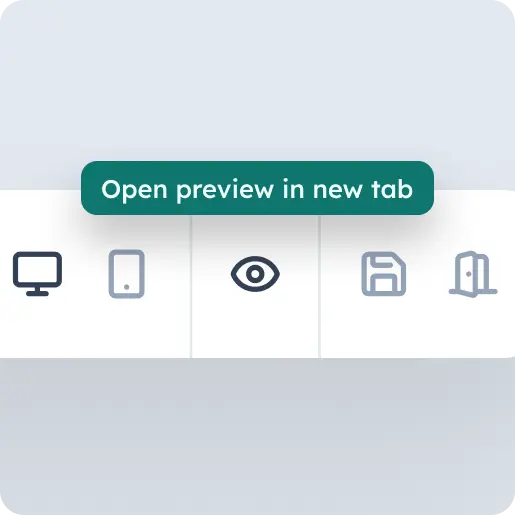
Preview & QA Mode Preview & QA Mode

Test everything before going live

  • Preview all variations and targeting rules before activation
  • Validate visual changes, functional behavior, and custom code
  • Verify goal tracking and event triggers
  • Perform full QA across devices and conditions — without affecting real users
Preview & QA Mode

Results & Insights Results & Insights
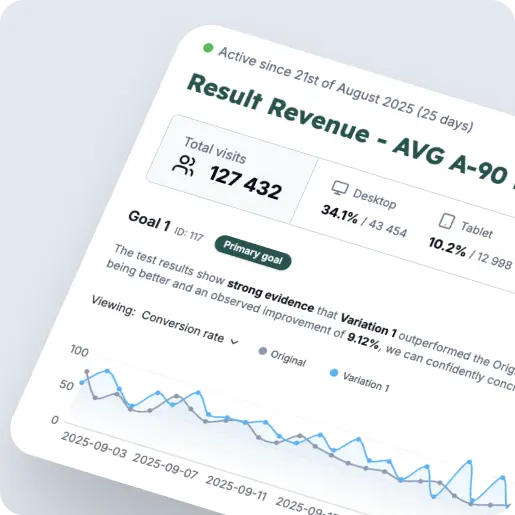
Make decisions with confidence, not guesswork

  • Bayesian probability calculations to quantify the likelihood that a variation is best
  • Segment results by:
    • Date range
    • Traffic source
    • Country
    • Completed goal
    • Device type
  • Time-series graphs for:
    • Visitors
    • Conversions
    • Conversion rate
  • AOV (Average Order Value) and ARPV (Average Revenue Per Visitor) probability calculations
Results & Insights

Google Analytics 4 Integration Google Analytics 4 Integration

Extend your experiment analysis beyond the platform

Forward experiment exposure events through the dataLayer and Google Tag Manager to GA4. Use GA4 for added context when interpreting Lyftio results.

See the integration guide →